> ## Documentation Index
> Fetch the complete documentation index at: https://docs.meetjamie.ai/llms.txt
> Use this file to discover all available pages before exploring further.
# Templates
> Shape every meeting summary into a ready-to-use format that fits how you work.
Templates let you control how your meeting summaries are structured. You decide which sections to include and what goes in each, so summaries come out ready to use with the details that matter to you.
## How to use templates
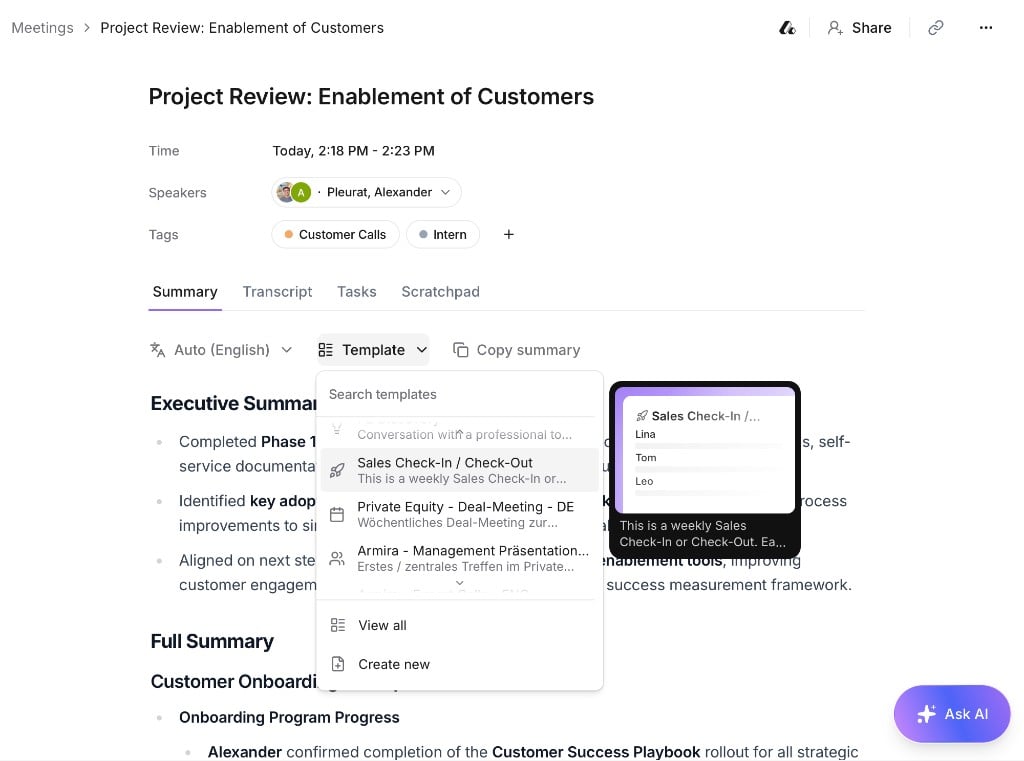
Open any meeting and use the template dropdown below the summary to switch formats. Switching templates never changes your transcript.
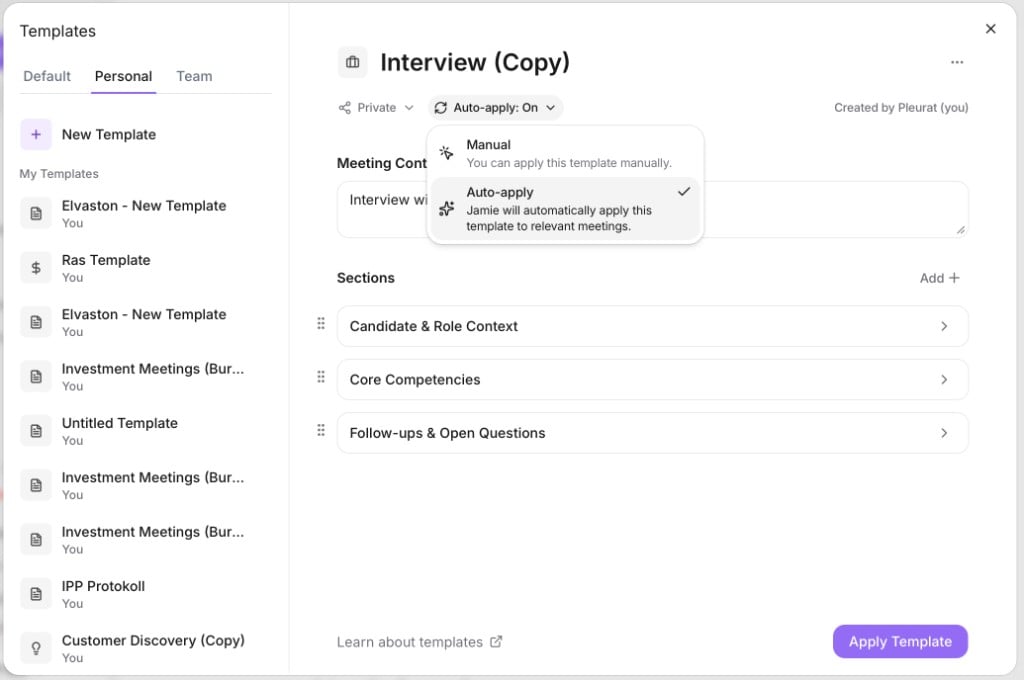
Click **Templates → Create New** and add sections, each with a title and instructions for what it should capture.
 Turn on **Auto-apply** and Jamie picks the best-fit template for each meeting automatically.
 ## Use templates from our library
Browse our [template library](https://www.meetjamie.ai/templates) for ready-made formats:
* Find a template that fits what you need.
* Click **Use Template** to add it to your workspace — you can edit it afterward.
## Use templates from our library
Browse our [template library](https://www.meetjamie.ai/templates) for ready-made formats:
* Find a template that fits what you need.
* Click **Use Template** to add it to your workspace — you can edit it afterward.