Documentation IndexFetch the complete documentation index at: /llms.txtUse this file to discover all available pages before exploring further.
Fetch the complete documentation index at: /llms.txt
Use this file to discover all available pages before exploring further.
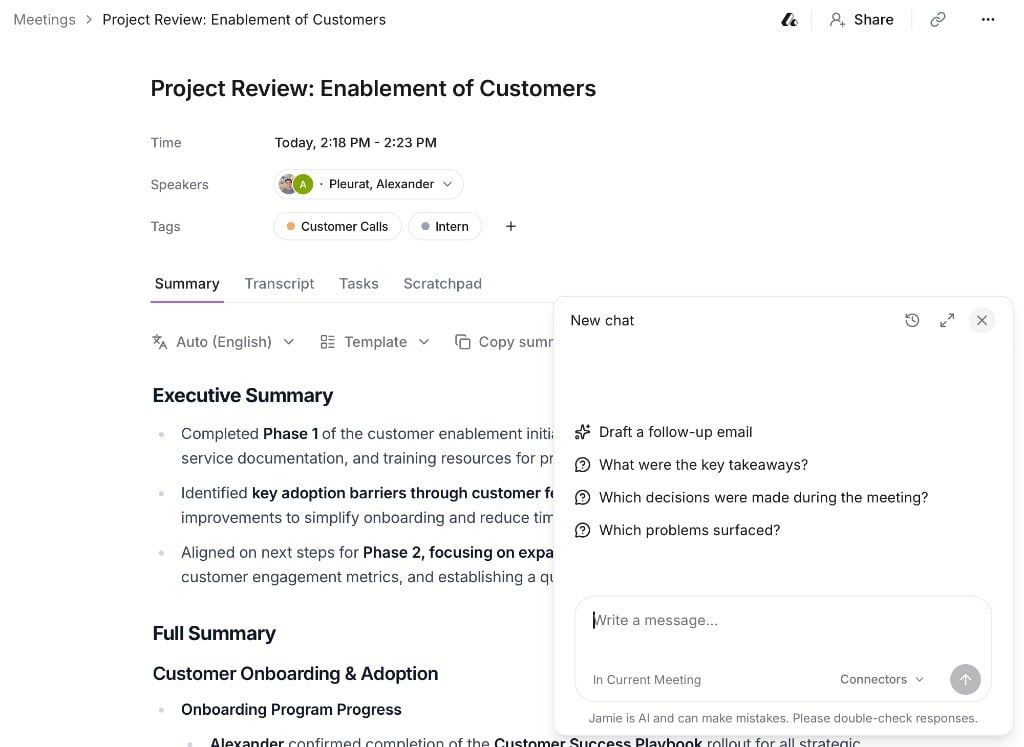
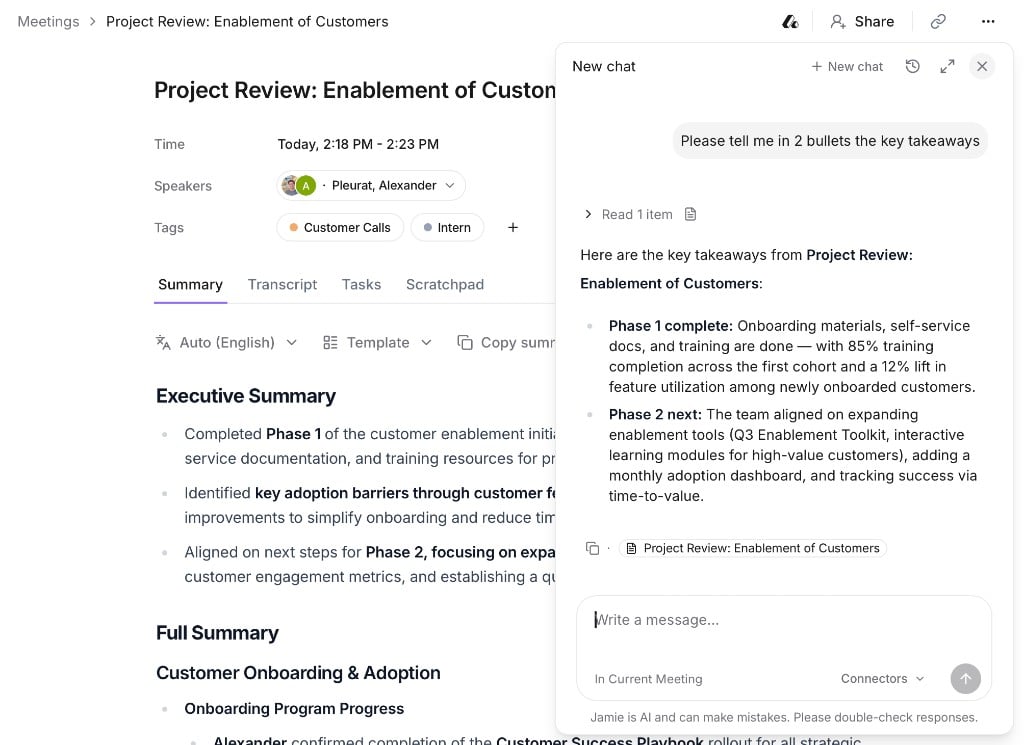
Chat with your meetings to get instant answers, summaries, and follow-ups.
Open Ask AI
Choose what to ask about
Ask anything