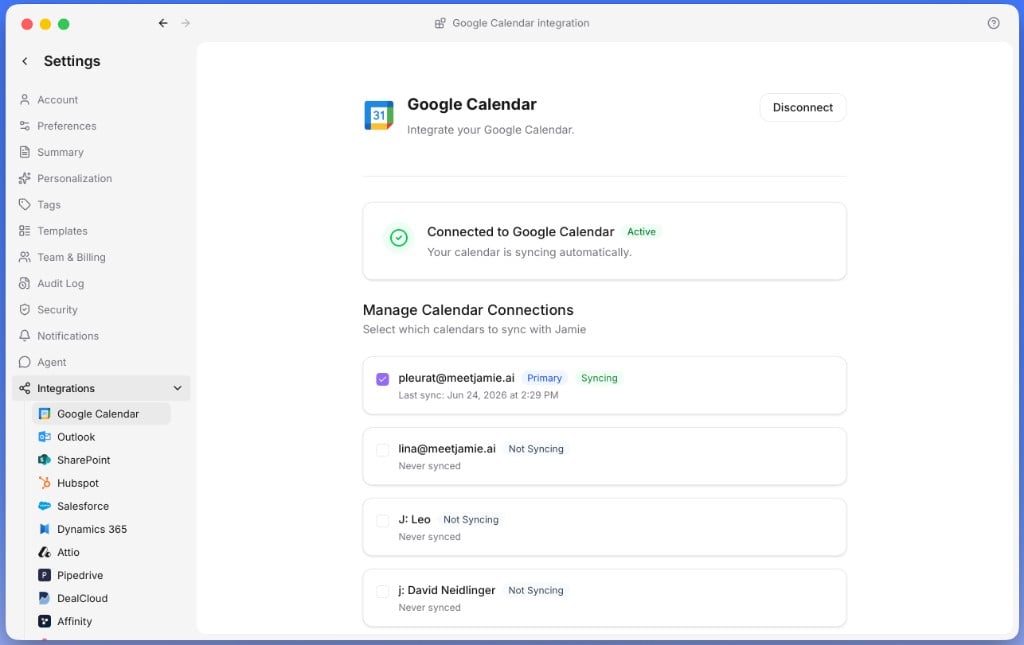
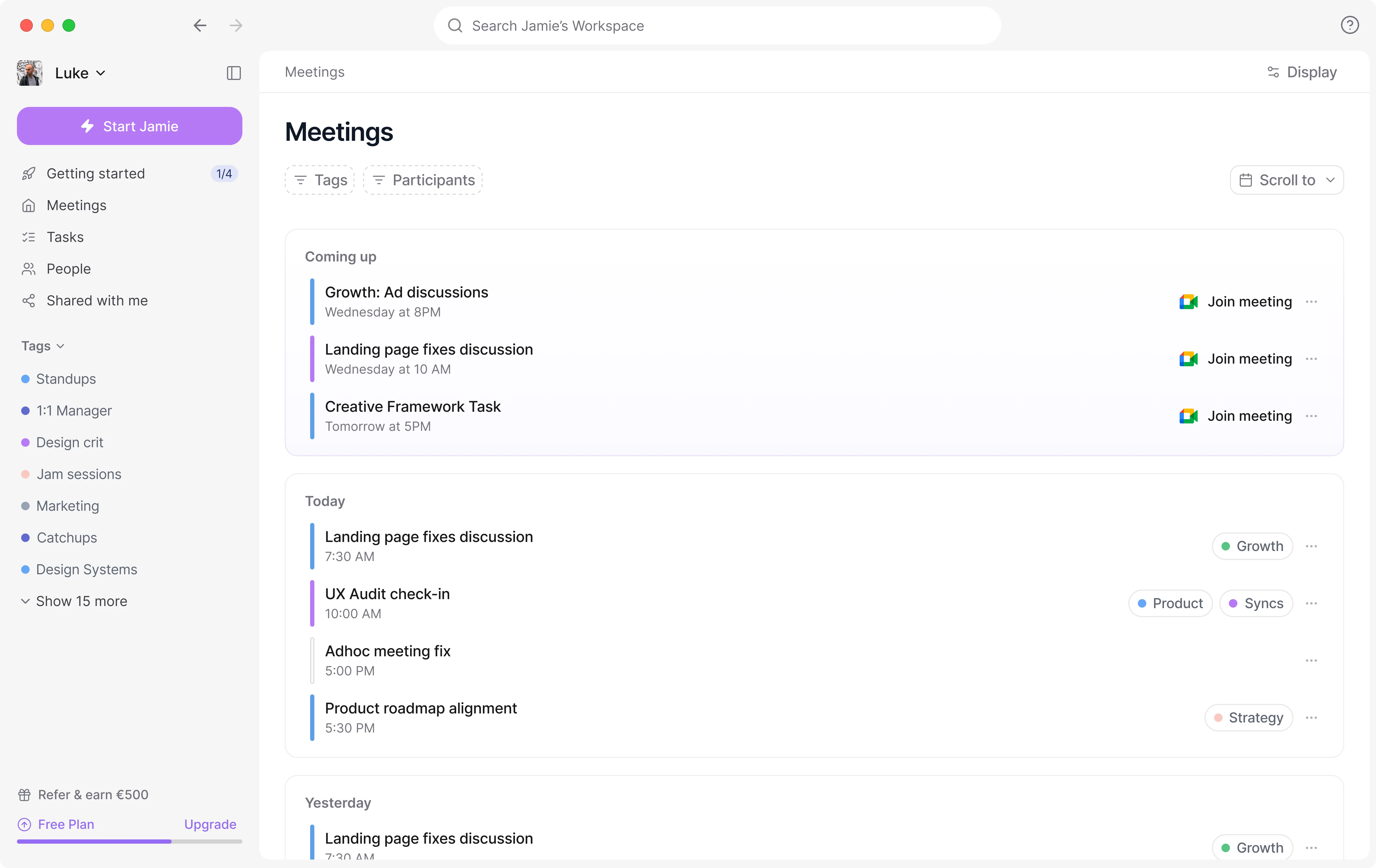
Sync your calendar for smart reminders, automatic meeting titles, and better speaker identification.
Connecting your calendar is one of the most important steps when setting up Jamie, so it’s best done right at the start. Many features depend on it, and it makes using Jamie much smoother. The connection lets Jamie show your upcoming meetings, set meeting titles automatically, and improve speaker identification.