

Sign up
Download Jamie
Go to meetjamie.ai and click Download Jamie.
Record your first meeting
Start Jamie
Join a call and click Start Jamie when the reminder pops up, or click Start Jamie in the top-left corner of the app.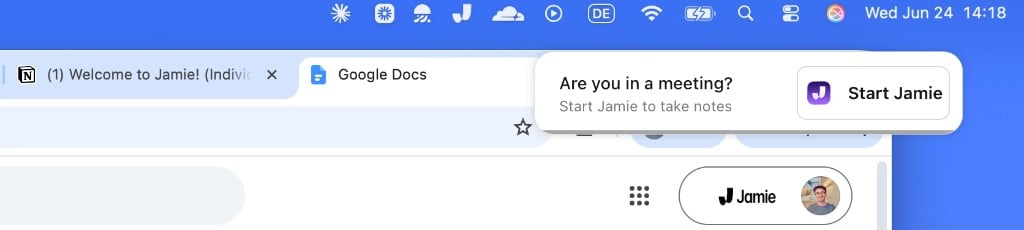
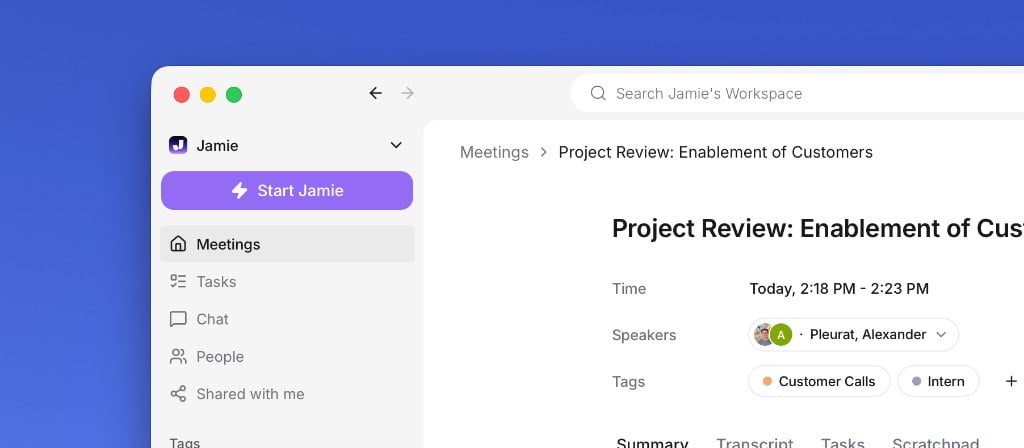
Let Jamie record
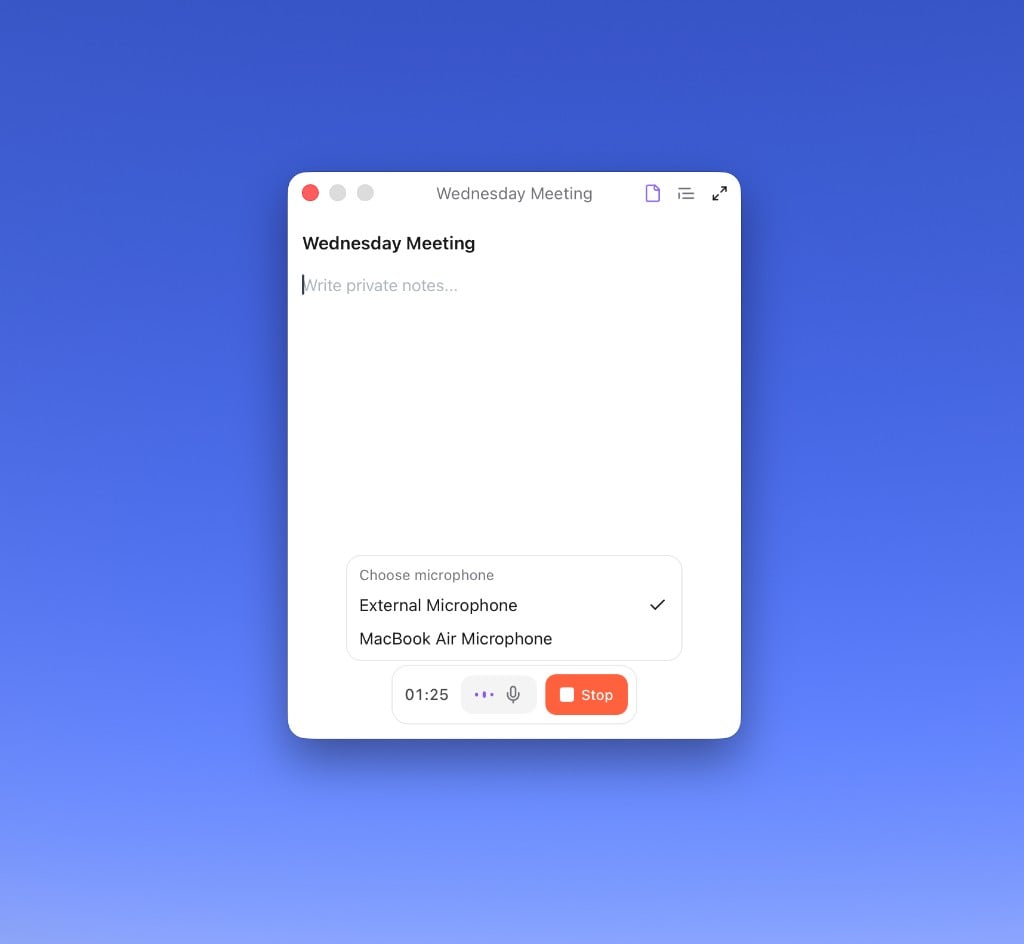
The recorder widget shows that Jamie is running. You can see the elapsed time, change your microphone, and jot private notes in the Scratchpad. Click the widget when you want to stop.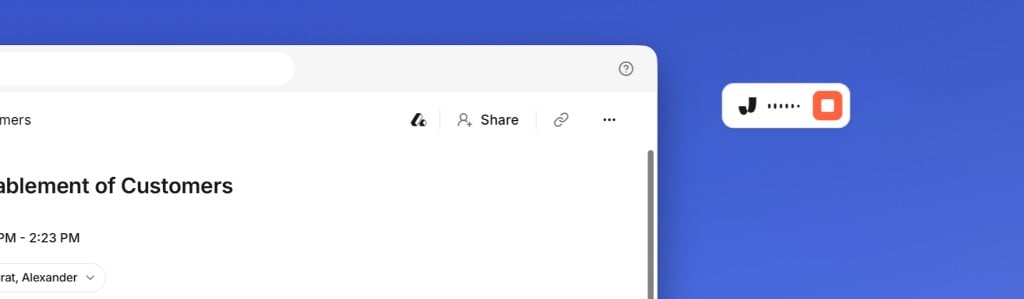
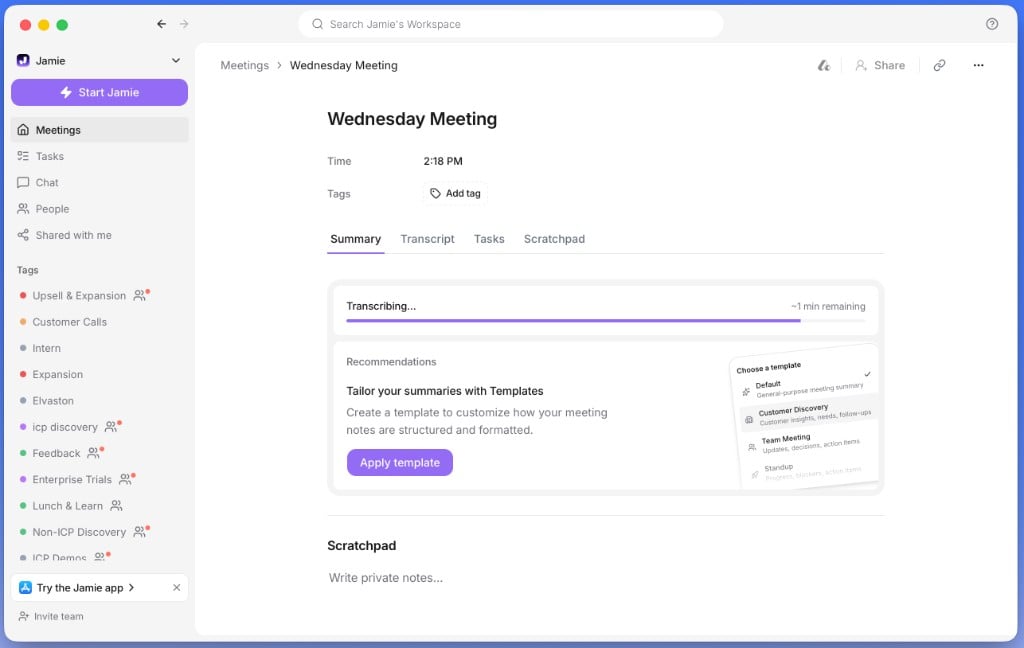
Change your microphone
Pick a mic when you start
Jamie uses your system’s default mic automatically, but you can choose a different one in the start dialog.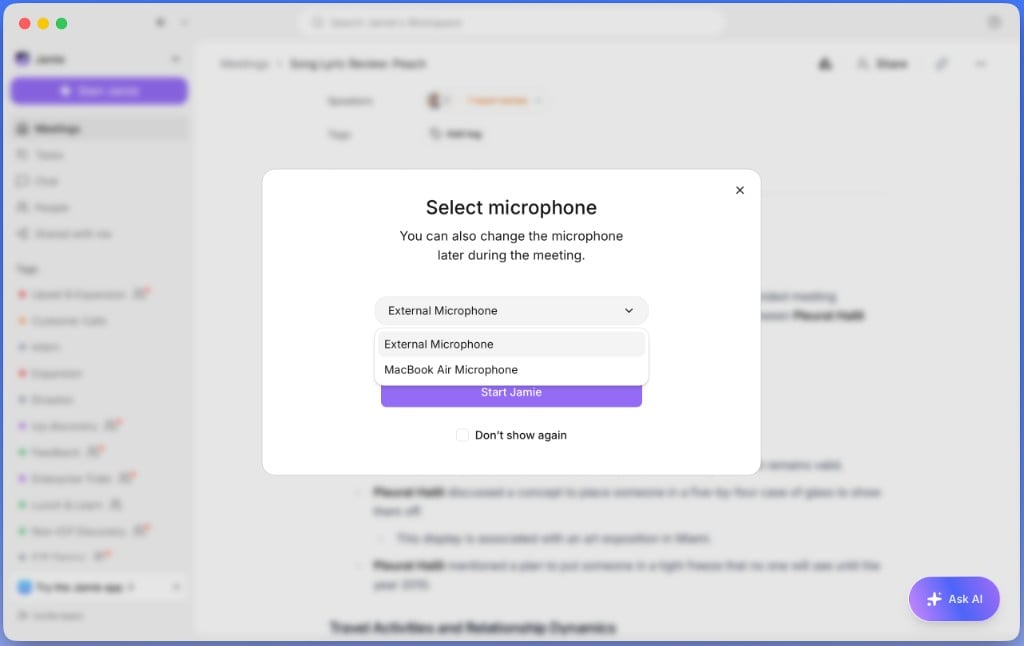
What’s next?
Connect your calendar
Get smart reminders and automatic meeting titles.