Tags are customizable keywords you attach to meetings to keep them organized. You can group everything for a project, keep all of a client’s calls together, or separate different teams.


Tags

1

Create a tag

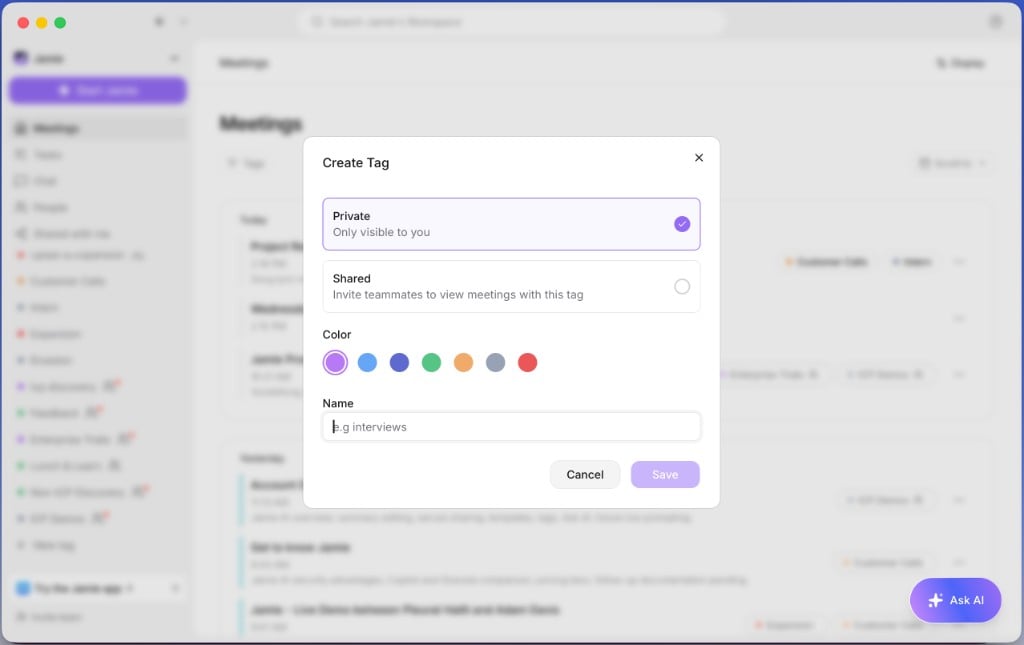
Click + New tag in the sidebar, pick a name, and choose whether to share the tag or keep it private.Creating a new tag
2

Tag a meeting

Open a meeting and click Add tag.
3

Filter by tag

Click a tag in the sidebar to filter your meetings down to just those.

Sharing

To share meeting notes, click Share in the upper-right corner and choose whether you want to share via email or through a link.