

How to connect
1
Open Settings
Click the gear icon (bottom-left) to open Settings.
2
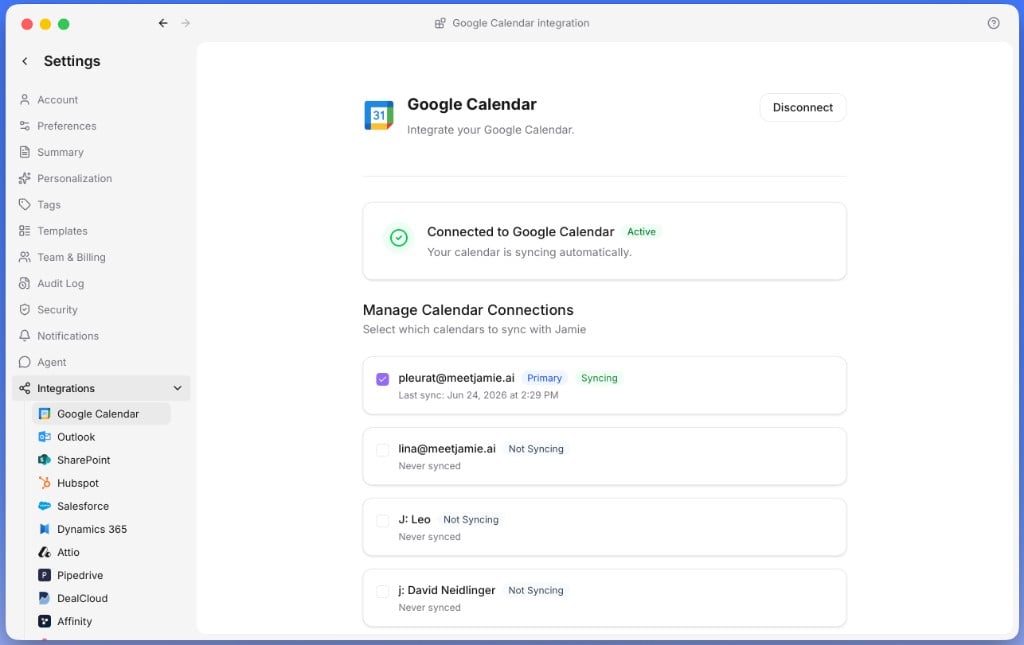
Go to Integrations
Go to Integrations → Google Calendar / Outlook Calendar.
3
Connect
Click Connect Calendar, sign in, and grant permissions.
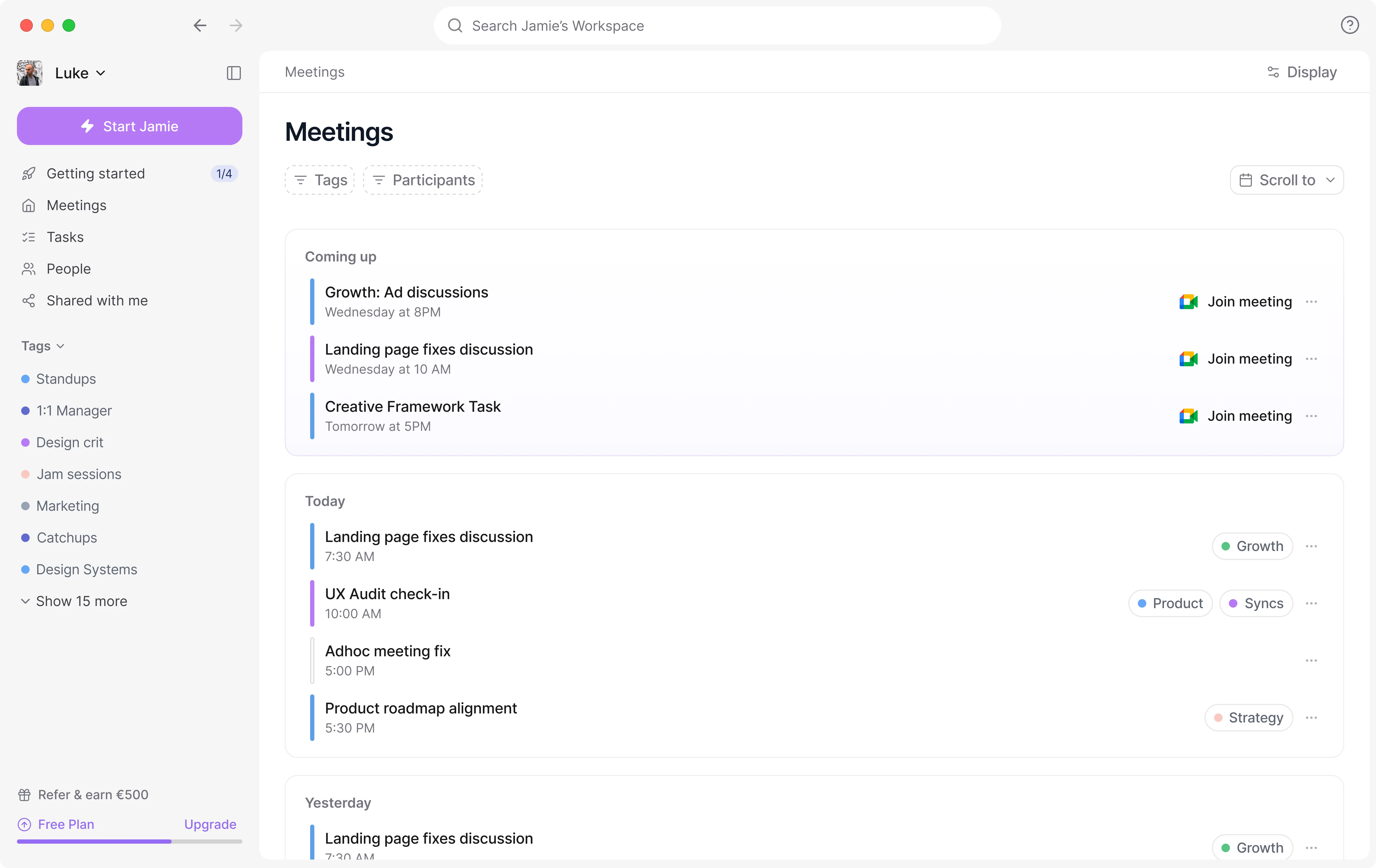
Sync your calendar for smart reminders, automatic meeting titles, and better speaker identification.
Open Settings
Go to Integrations
Connect