

Connect Jamie to Attio to log meeting notes to people and company records.Documentation Index
Fetch the complete documentation index at: https://docs.meetjamie.ai/llms.txt
Use this file to discover all available pages before exploring further.
Attio integration requires a Pro, Team, or Enterprise plan.
Connecting Attio
- Go to Settings → Integrations → Attio
- Click Connect Attio
- Select your Attio account and authorize the connection
Sending Meetings to Attio
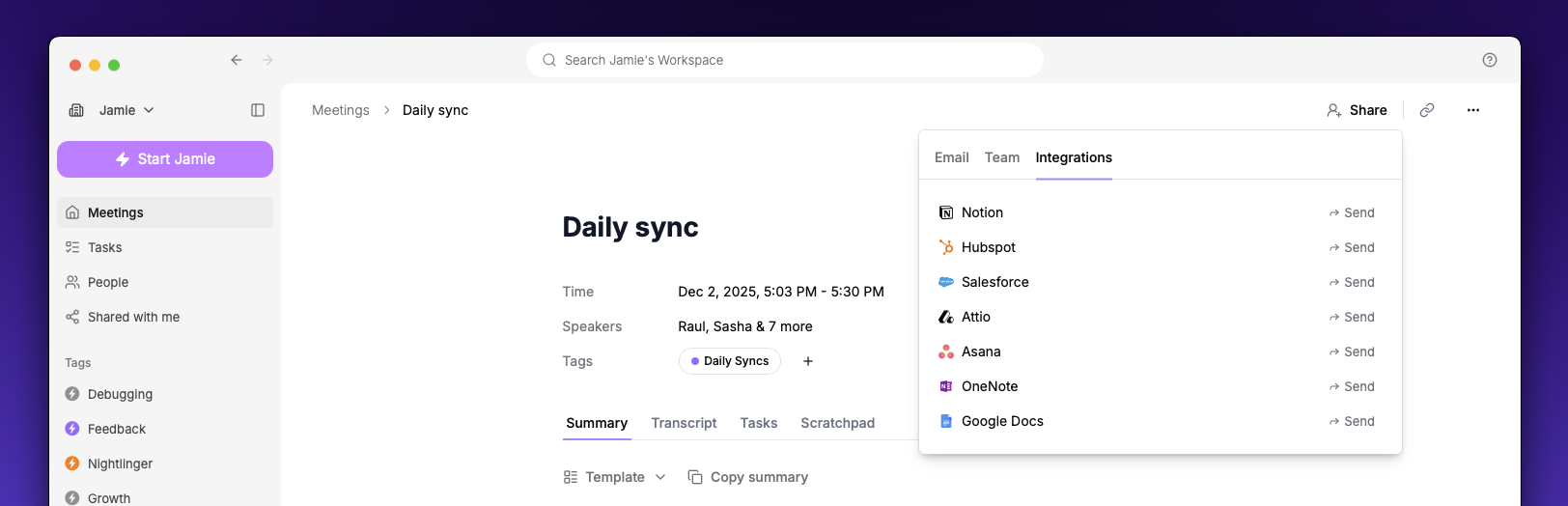
- Open a meeting in Jamie
- Click the Share button
- Select Send to Attio
- Search for and select a person or company record
- Click Send
Settings
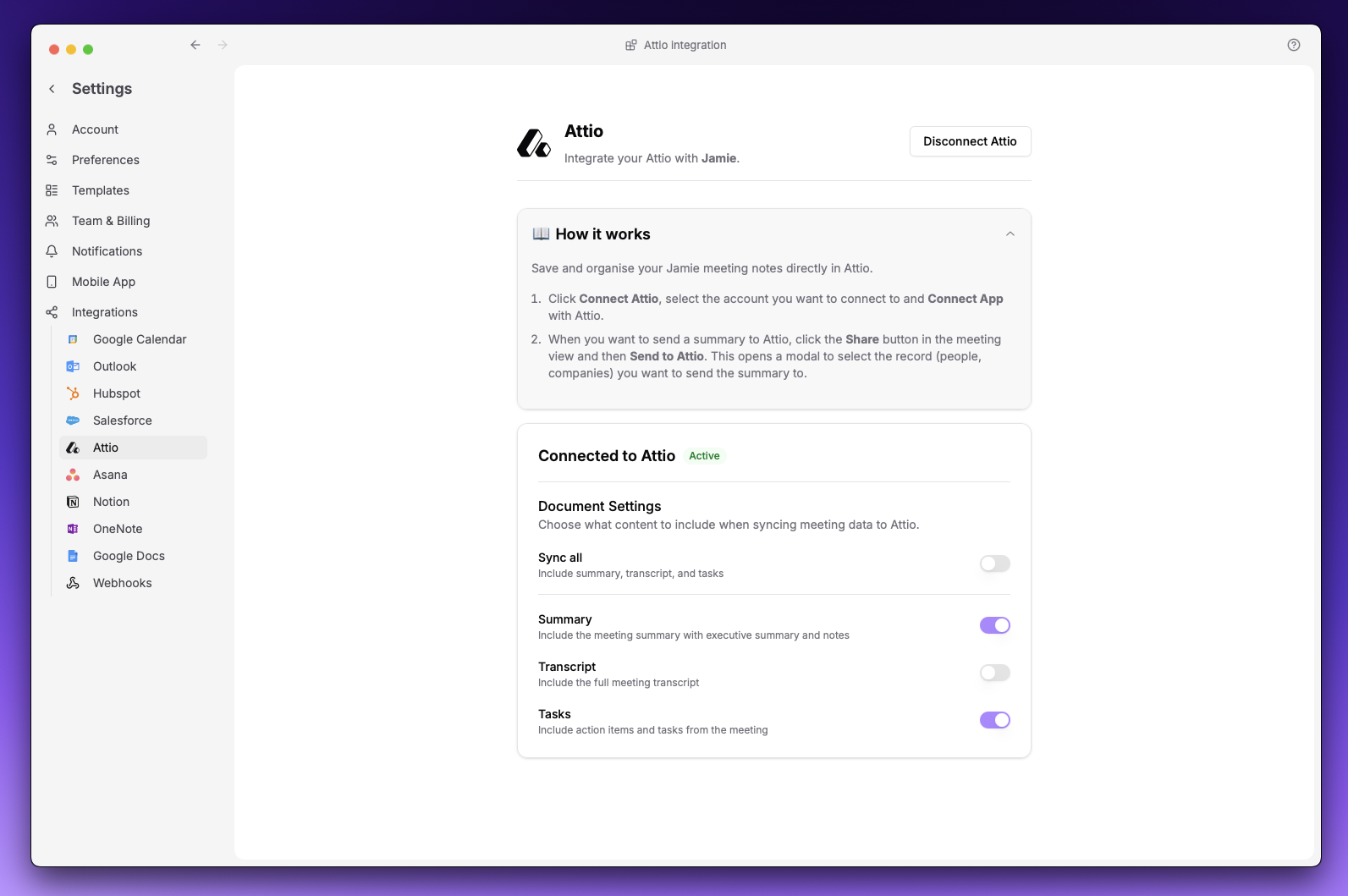
| Option | Description |
|---|---|
| Summary | Meeting notes with executive summary |
| Transcript | Full meeting transcript |
| Tasks | Action items from the meeting |
At least one option must be enabled.