

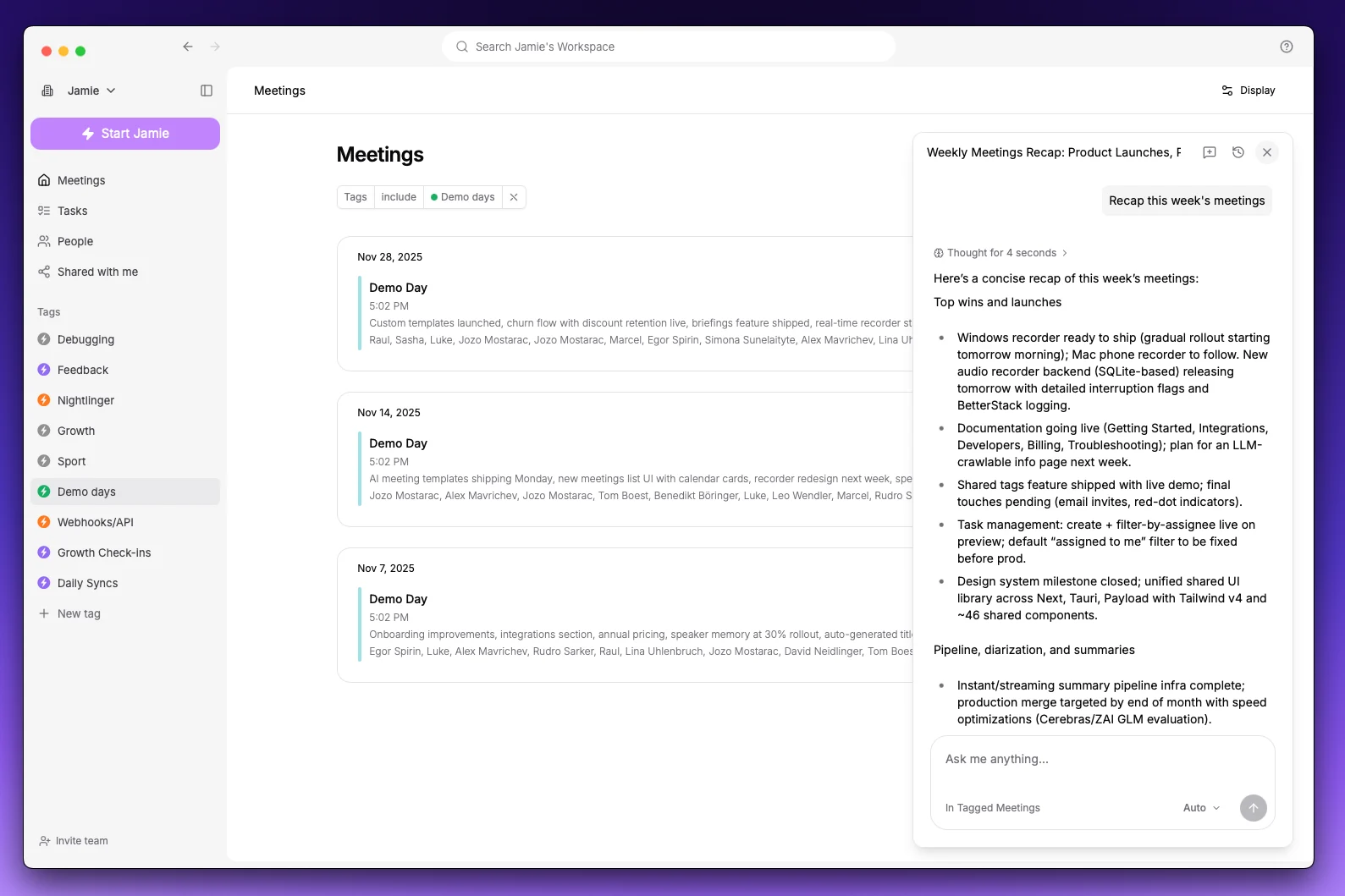
Open Ask AI
Click Ask AI at the bottom right of your screen, or press Cmd + J (Ctrl + J on Windows). Inside a meeting, type in the chat bar at the bottom of the page. You can also click New Chat in the sidebar for a full-page chat. Ask AI knows where you are. Inside a meeting, it answers about that meeting. In the meetings list, it searches across all of them. Filter by a tag first to ask about one project, client or team.Get answers across all your meetings
Ask about one meeting or a whole quarter’s worth. Jamie searches your meetings, reads the transcripts when it needs the exact words, and shows the meetings it used under each answer.- “Recap this week’s meetings”
- “What did we agree with Acme about pricing?”
- “Which customer issues came up most this month?”
- “What have I discussed with jane@acme.com?”
Rewrite your summary
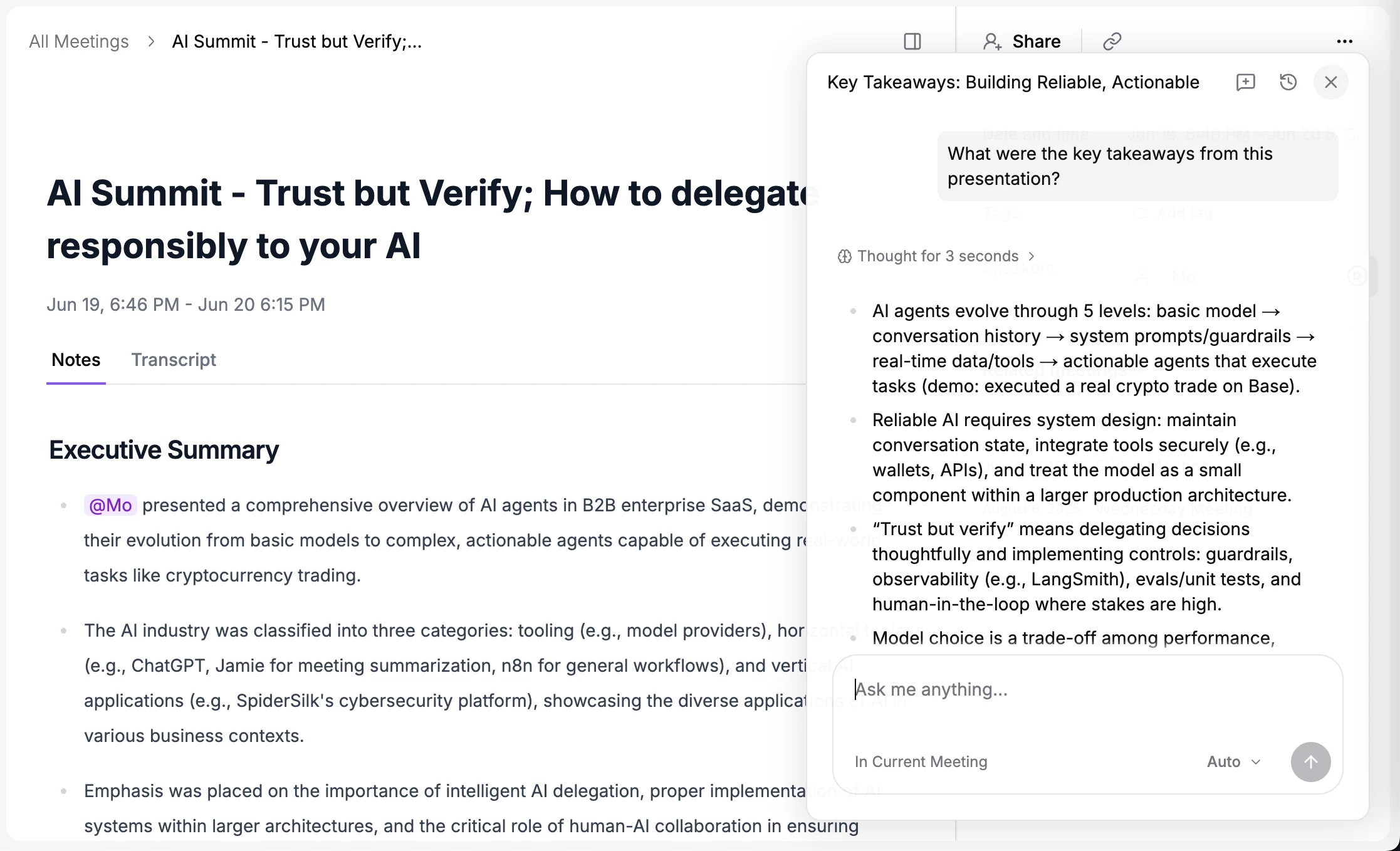
Not quite the summary you wanted? Just ask. Inside a meeting, tell Ask AI what to change and watch the summary update live:- “Add a section on next steps”
- “Make this shorter and focus on the decisions”
- “Rewrite it in German”
- “Turn the pricing discussion into a table”
Chat during your meetings
In the Jamie desktop app, Sidekick keeps Ask AI next to you while you’re in a meeting. Click the recording widget to open Sidekick, then use Ask Sidekick to ask about what’s being said right now, without waiting for the meeting to end:- “What did they just say about the timeline?”
- “What questions haven’t I asked yet?”
- “Summarise the last ten minutes for someone who just joined”
- “What did we agree with them last time?”
Draft follow-ups and updates
Get a ready-to-send follow-up email, a Slack update for your team, interview feedback or a status report, written from what was actually said. Click copy and paste it wherever you need it.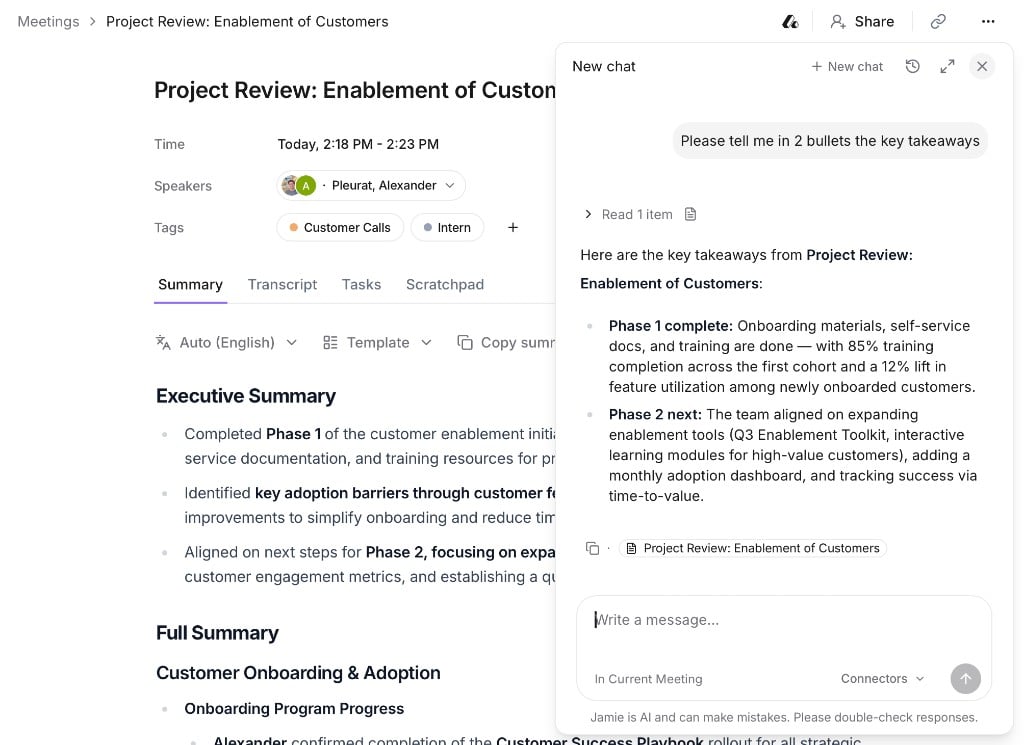
Create tasks and organise meetings
- “Create tasks for everything I promised in this meeting”
- “What action items are still open from this week?”
- “Tag all my calls with Acme this month as Acme”
- “Create a template for customer discovery calls”
Work with your other tools
Connect the tools you already use and Ask AI can read from them and act in them, alongside everything it knows about your meetings.


- “Create a Linear issue for each bug the customer reported”
- “Add today’s decisions to our project page in Notion”
- “Update the Acme opportunity in Salesforce with the next steps”
- “Post a summary of this meeting in #sales on Slack”
Ask AI makes changes in your connected tools straight away, using your account, so be specific about what you want.
Teach Jamie how you work
Skills are instructions Jamie remembers for every chat, so you don’t have to repeat yourself. For example, how you like follow-up emails written, the format your team uses for deal notes, or what to do after every customer call. Add one in Settings → Agent under Skills, or just tell Ask AI: “Remember that I always want follow-ups in bullet points.”Ideas by team
Sales and marketing
Sales and marketing
- Draft scoping and follow-up emails
- Get coaching on your discovery calls
- Update your CRM with next steps from a call
- Turn customer conversations into case-study or campaign material
Recruitment
Recruitment
- Check whether candidates answered your key questions well
- Summarise a candidate’s experience across interview rounds
- Draft interview feedback for the hiring team
Finance and investment
Finance and investment
- Revisit founder and management conversations during due diligence
- Pull key numbers and claims into an investment memo
- Compare what was said across several calls with the same company
Operations
Operations
- Surface customer preferences for events and workshops
- Write Slack updates to share information with colleagues
- Split to-do lists between speakers and focus on top priorities
Engineering and product
Engineering and product
- Turn feedback from a meeting into detailed issues
- Collect feature requests across customer calls
- Turn one-off feedback into shared team standards