

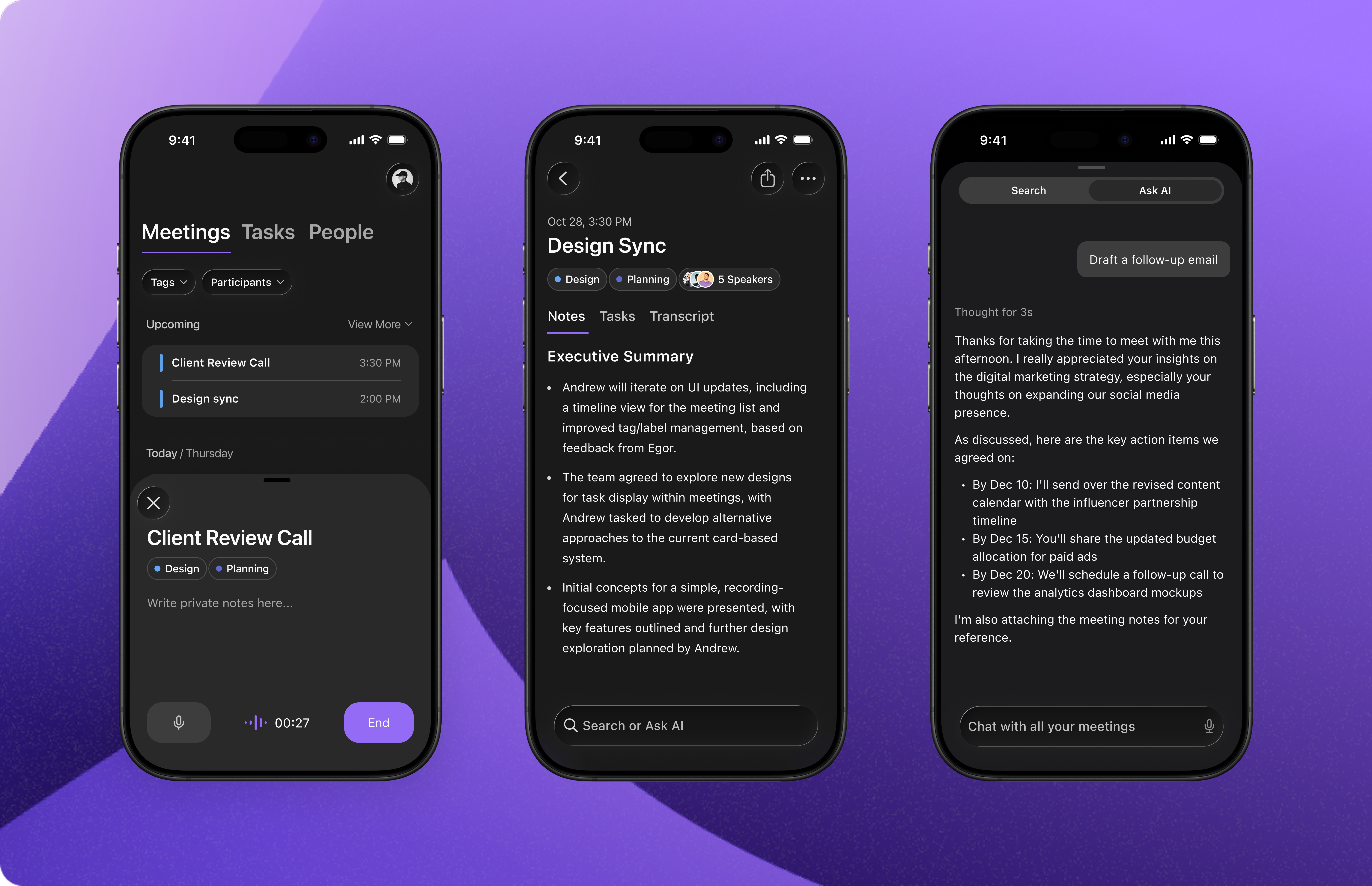
Important: Jamie cannot record phone calls.
Choose what to share
Share a meeting from your phone and choose which parts recipients can see: Summary, Transcript, Tasks, and Scratchpad. For example, share just the summary and tasks to send a focused follow-up without the full transcript.- Open a meeting you own and tap the share icon in the top-right corner.
- Under What to include, tap each section to include or exclude it. Selected sections appear in purple with a checkmark.
- Under Who has access, choose who can open the link.
- Tap Copy link to paste it elsewhere, or Share link to send it through an app on your phone.
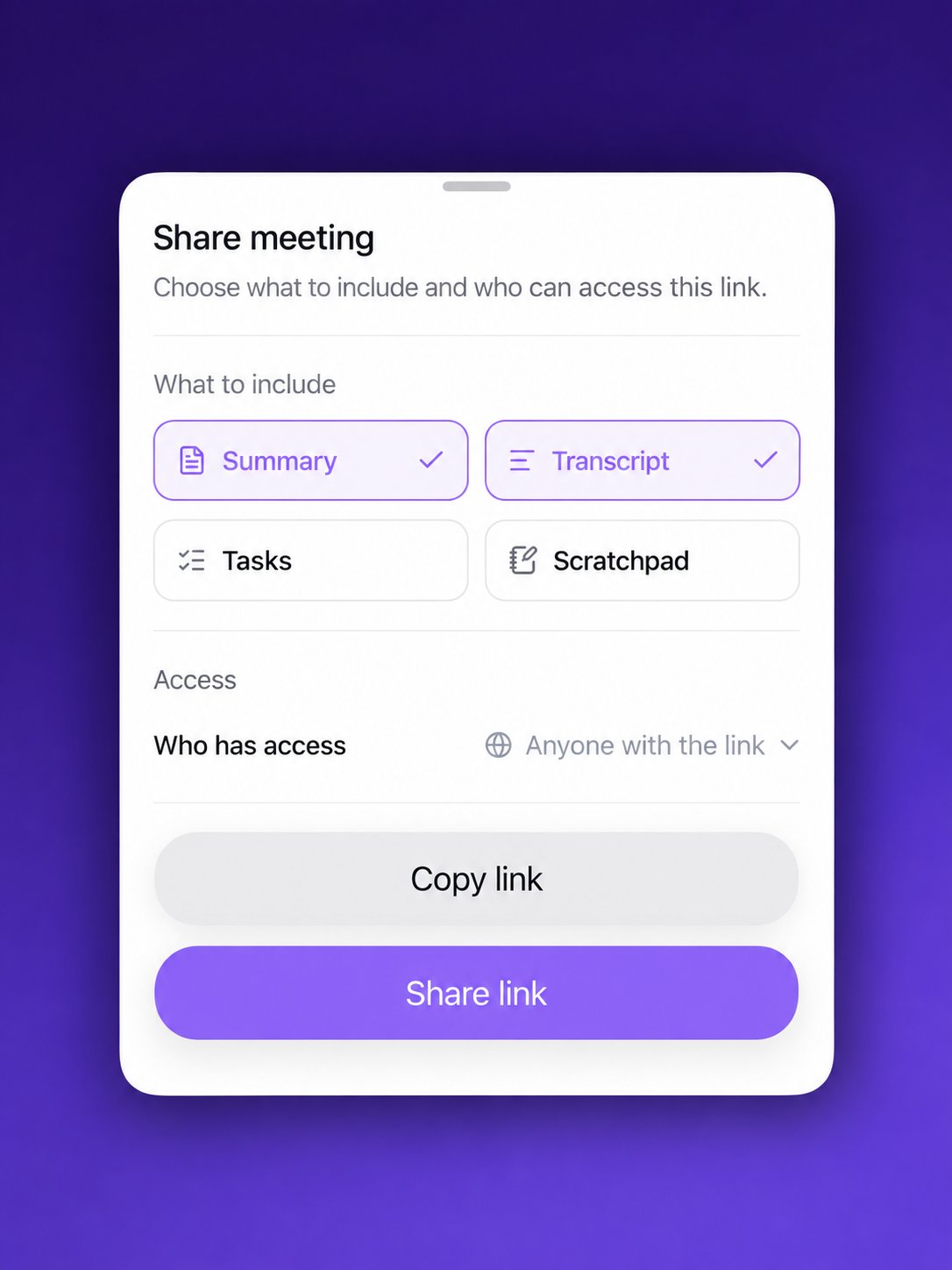
Choose which sections to include before sharing your meeting link
Control who has access
The Who has access menu lets you choose:- Anyone with the link — anyone who receives the link can view the sections you include.
- Anyone at your workspace — only signed-in members of your workspace can open the link. This option appears when your workspace has other members.
iPhone widgets and shortcuts
Start a new recording without opening the app. Jamie’s New Meeting shortcut works with Siri, the Shortcuts app, the Action button, and Control Center.Siri
Say “Siri, start a new Jamie meeting” or “Siri, start recording with Jamie” — Jamie opens and starts recording right away.Shortcuts
- Open the Shortcuts app and tap +.
- Search for Jamie and add the New Meeting action.
- Run it from the Shortcuts app, a Home Screen icon, or an automation.
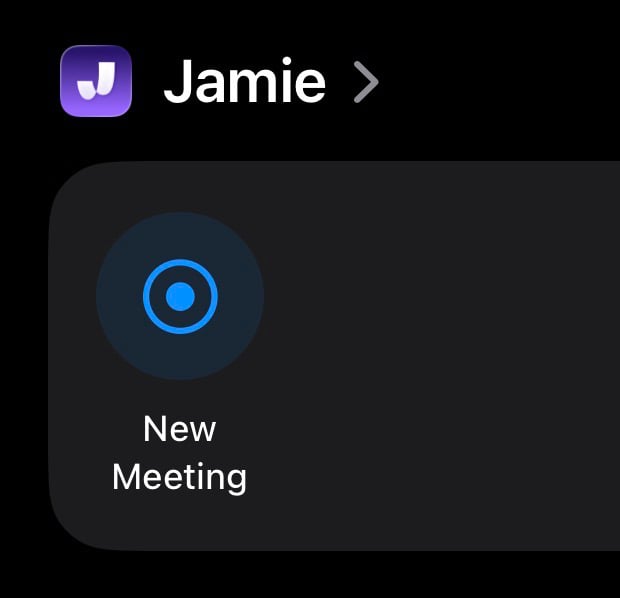
The New Meeting action in the Shortcuts app
Action button
- Open Settings → Action Button (iPhone 15 Pro or later).
- Swipe to Shortcut, tap Choose a Shortcut, and select Jamie’s New Meeting.
- Press and hold the Action button to start recording.
Control Center
- Swipe down from the top-right corner to open Control Center.
- Press and hold the screen, then tap Add a Control.
- Search for Jamie and add New Meeting.
- Tap the control anytime to start recording.
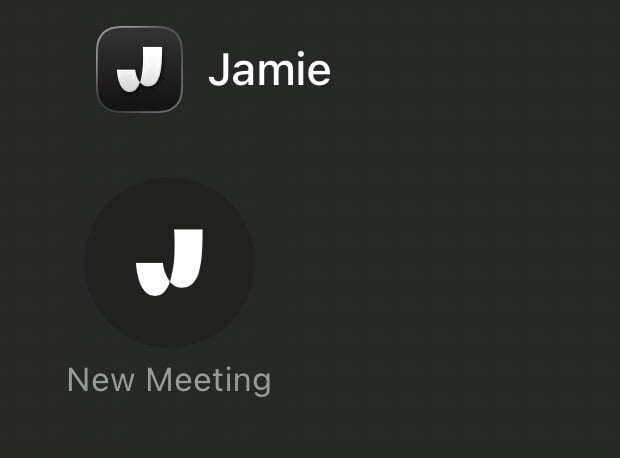
The New Meeting control in Control Center